
Step 5)
Click on “Create a ticket“
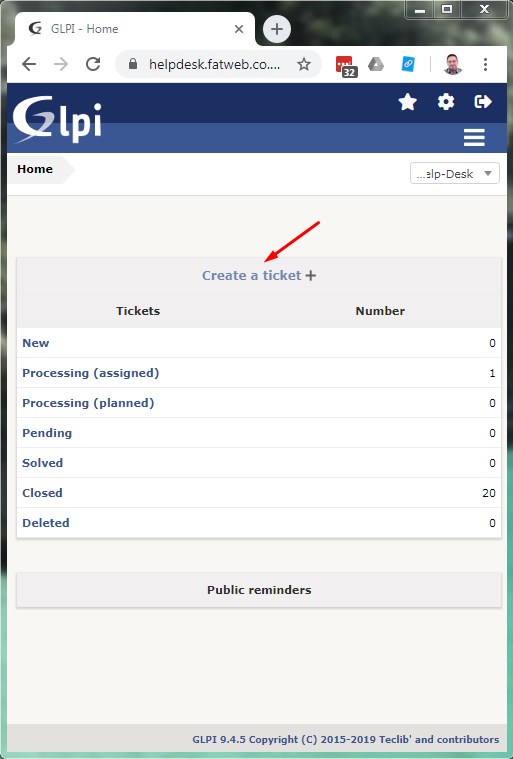
Click on “Create a ticket“
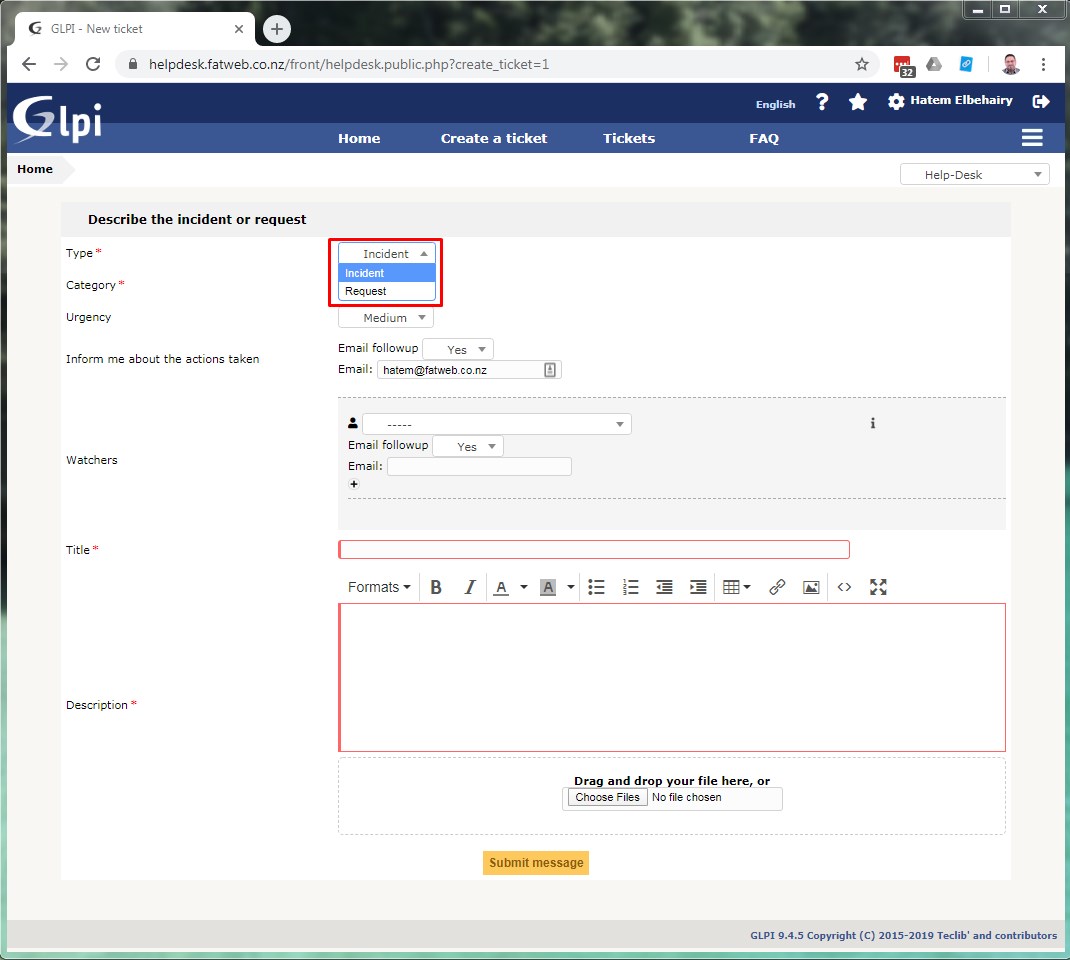
Select Ticket Type (“Incident” or “Request“)
Incident : Is an issue, e.g. something is not working.
Request : Is something new to be done, e.g. go live a dev website.
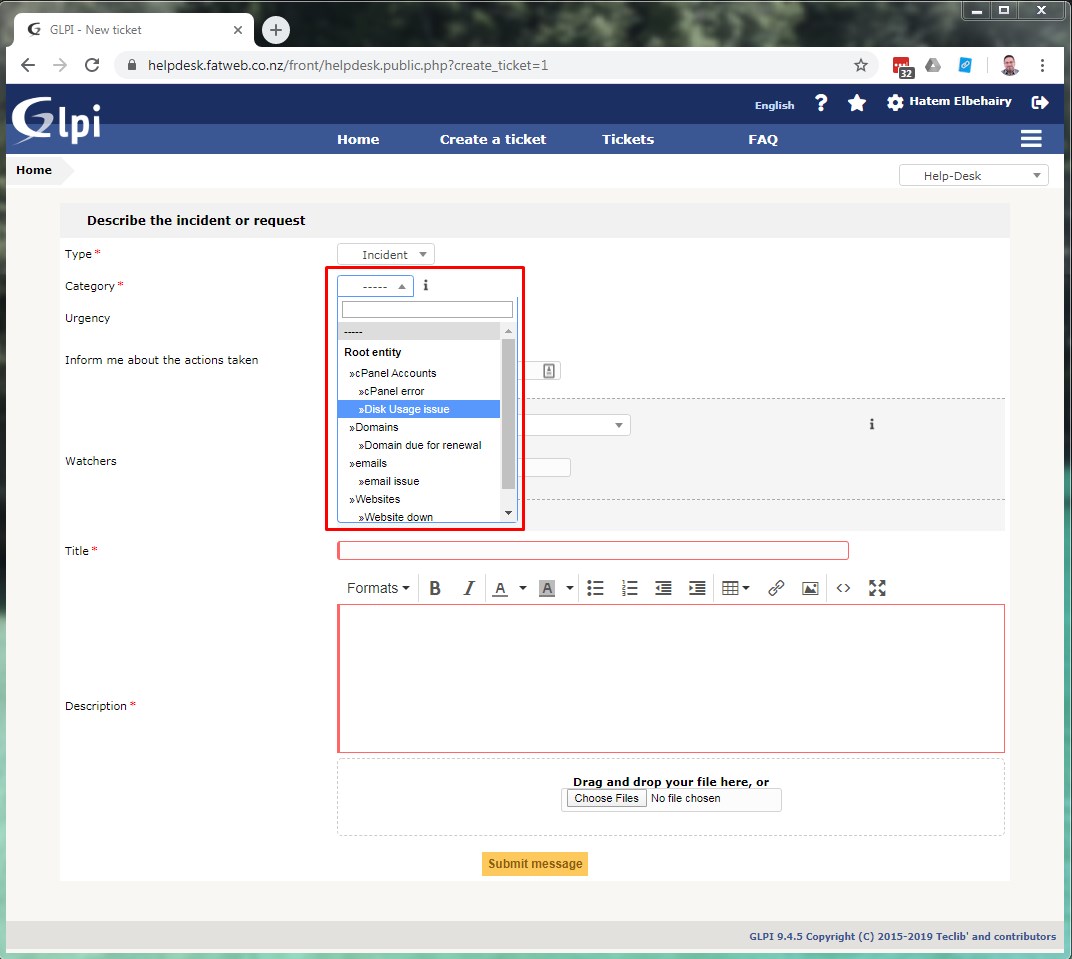
Select Ticket Category
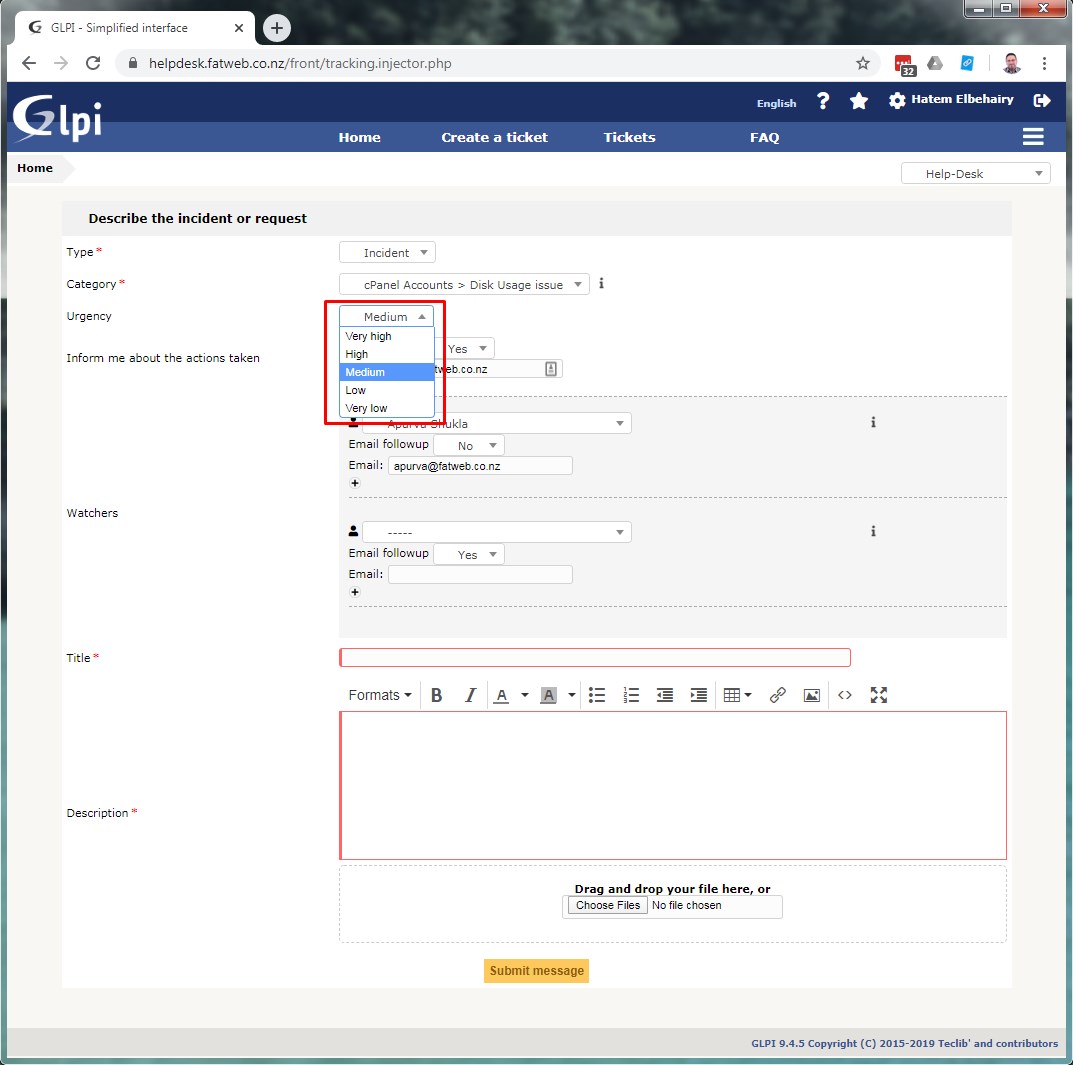
Select Ticket Urgency
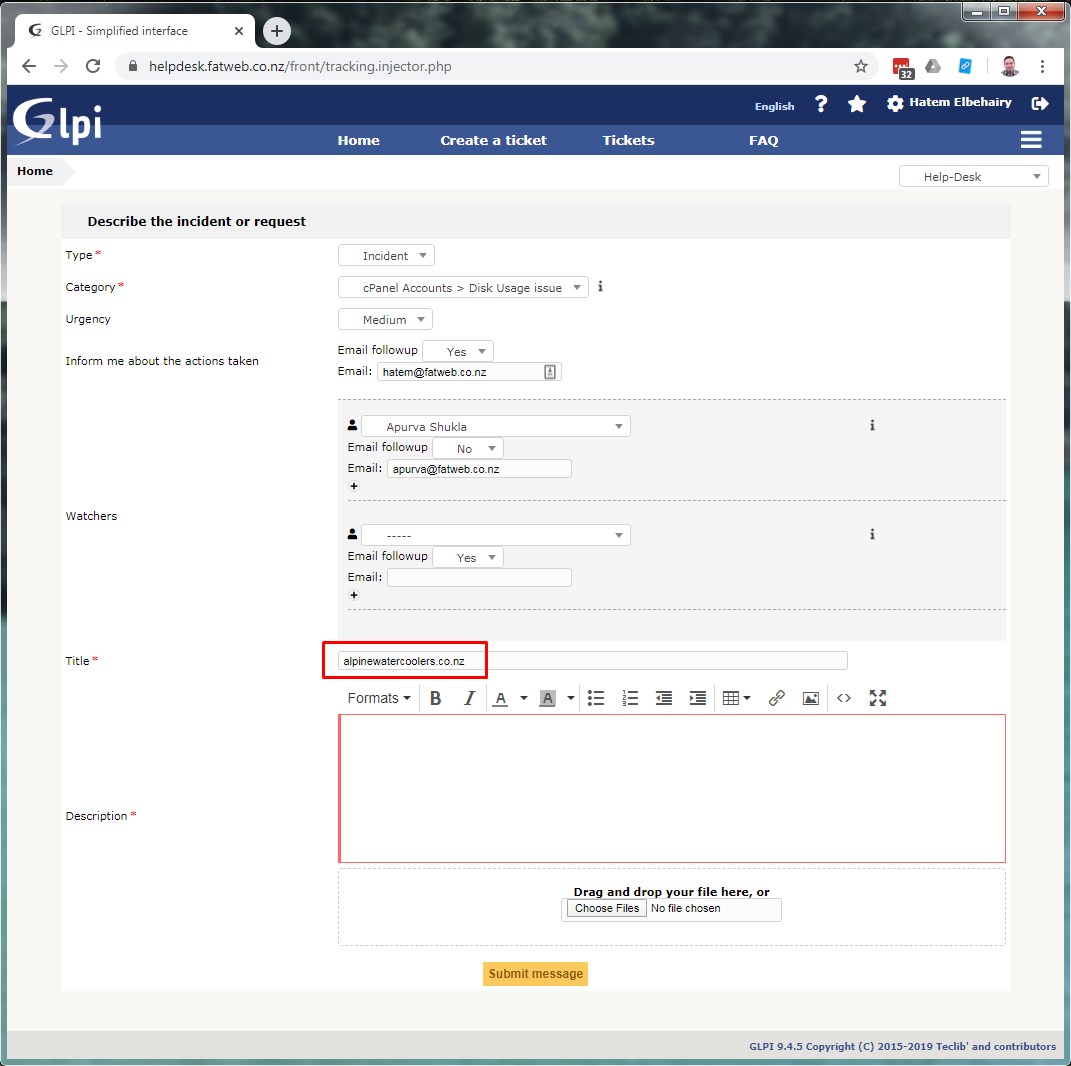
Enter in the Title the domain name related to the ticket (without http://www or / at the end)
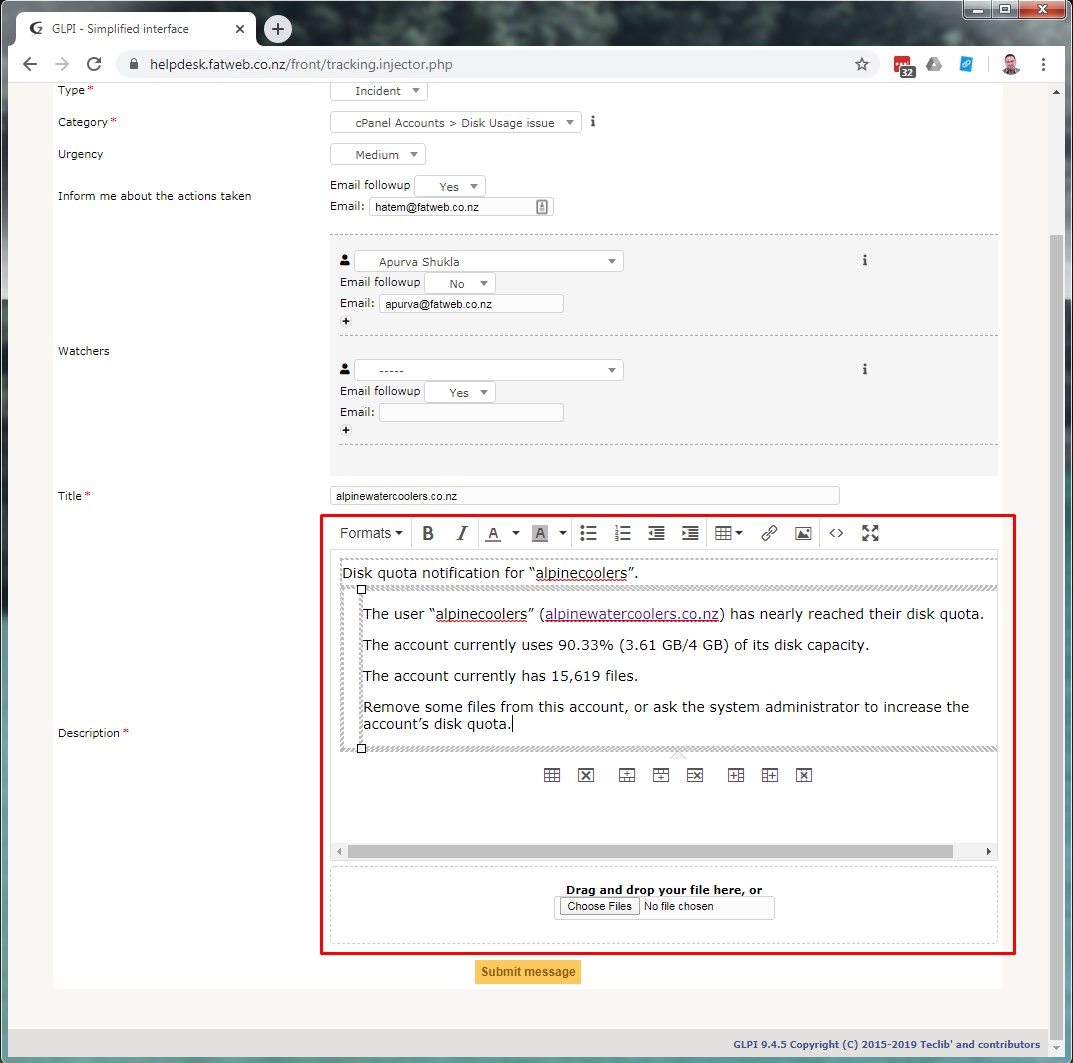
Enter in the Description a brief about your ticket, you can also attach a file or image
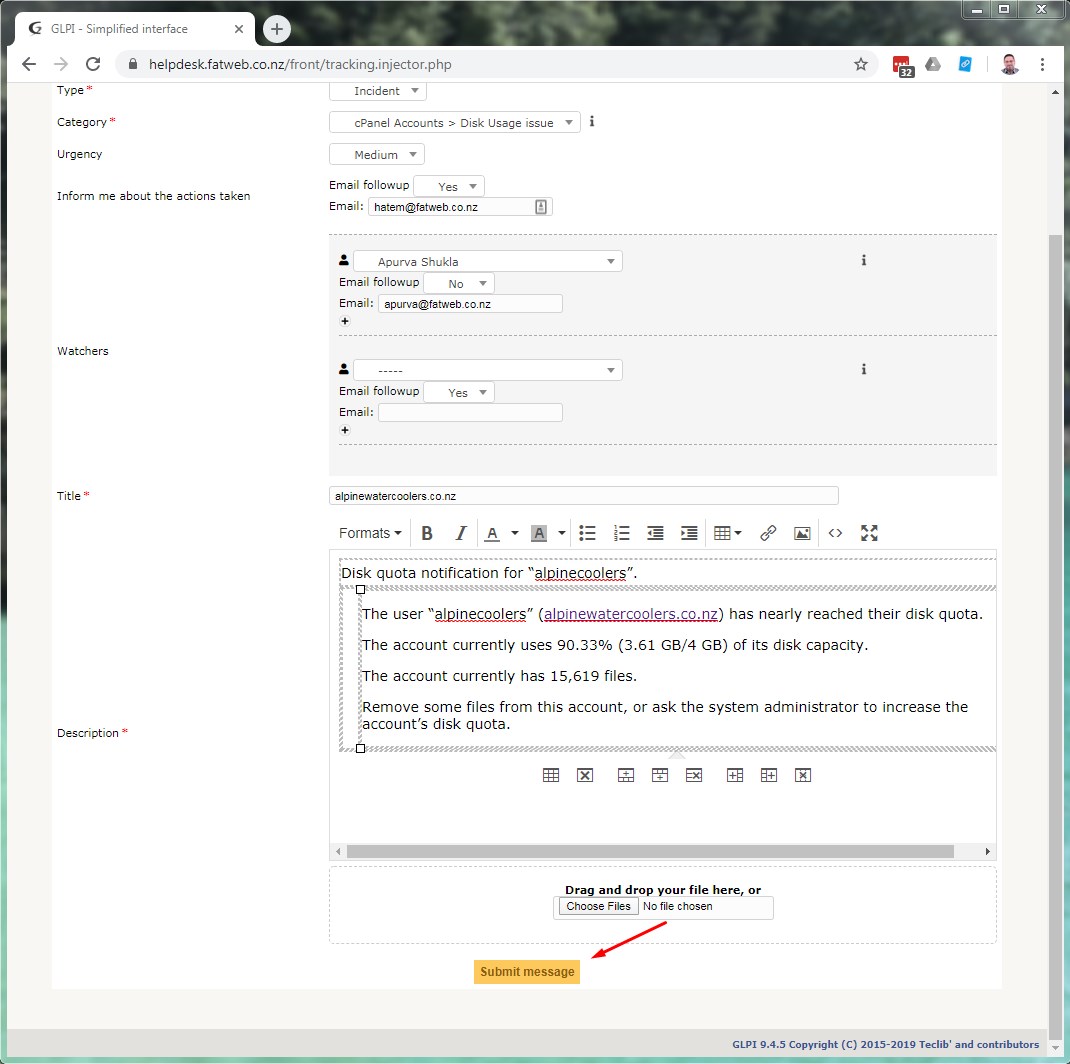
Click “Submit message”